What Is Digital Hall of Fame Software?
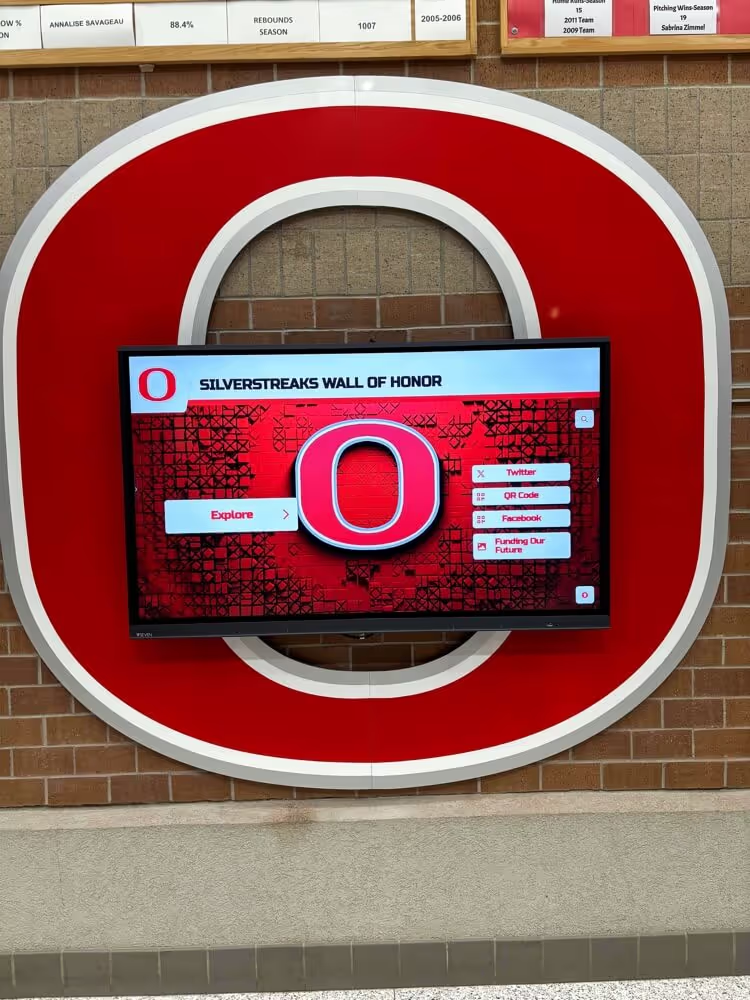
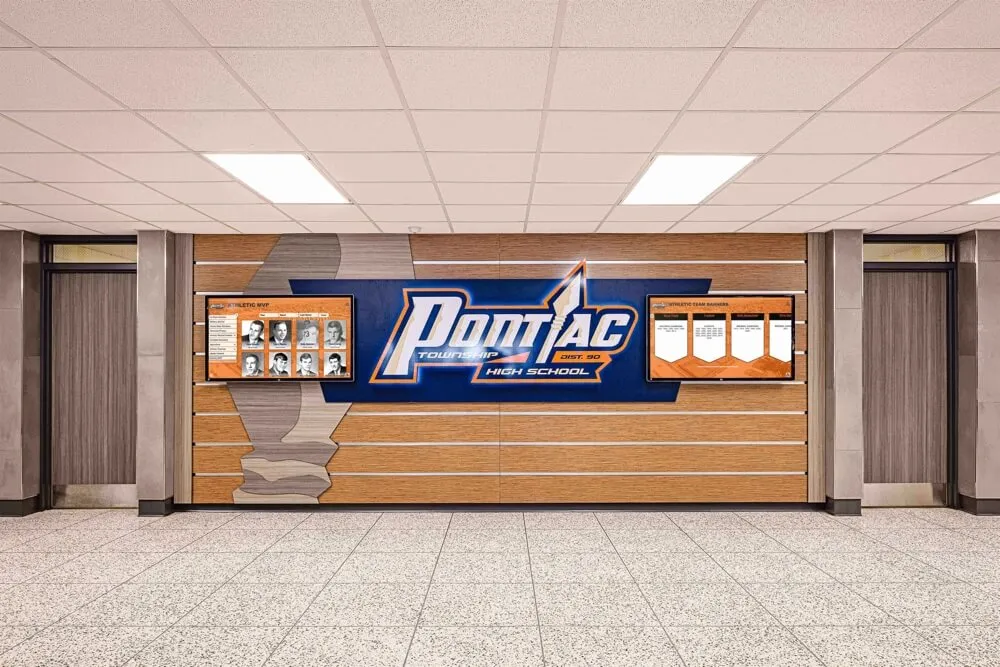
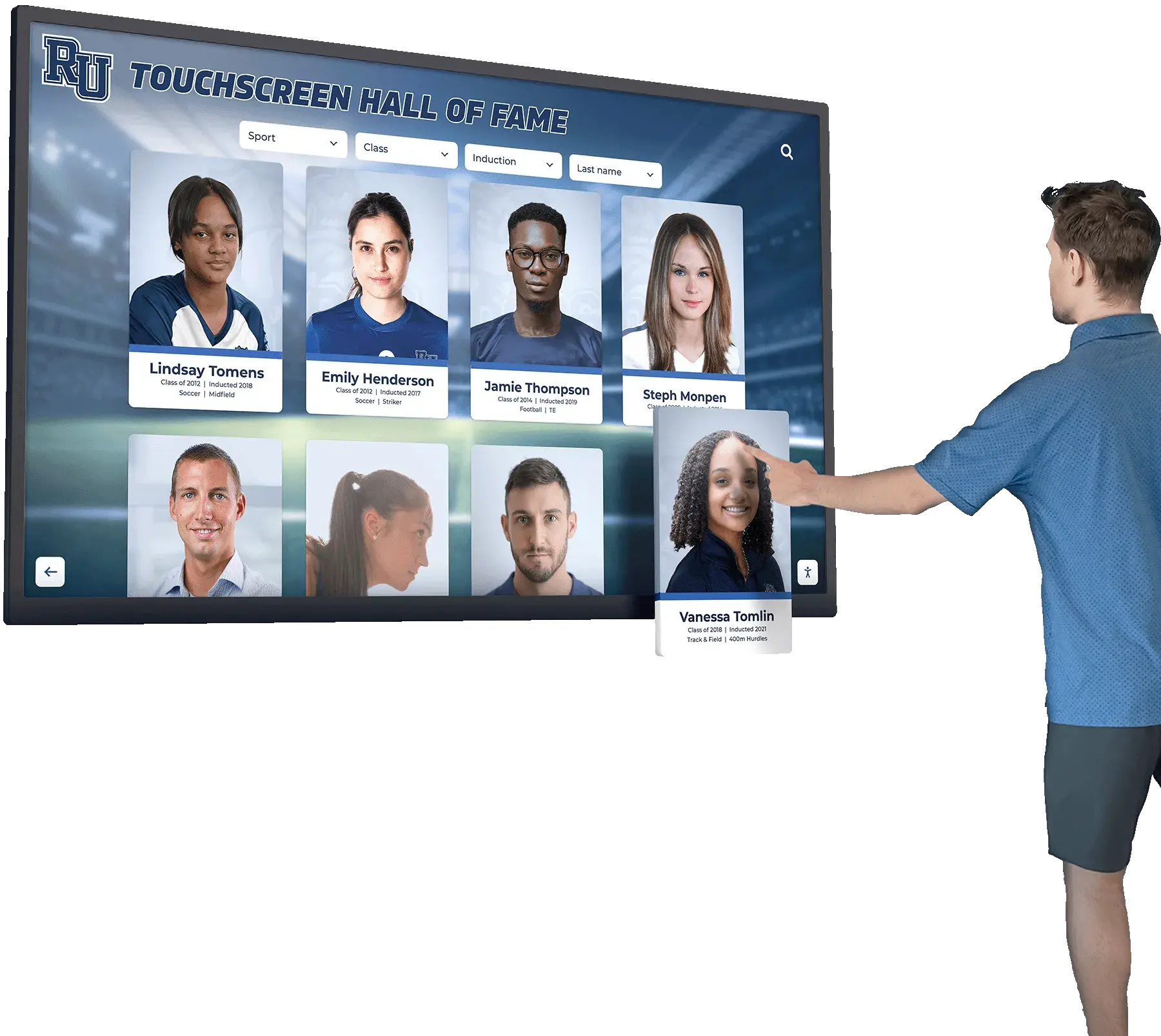
Digital hall of fame software is a category of technology that allows schools, universities, and organizations to display recognition content on interactive touchscreens. These systems replace traditional plaques, banners, and trophy cases with dynamic displays that can showcase unlimited inductees, records, photos, and videos.
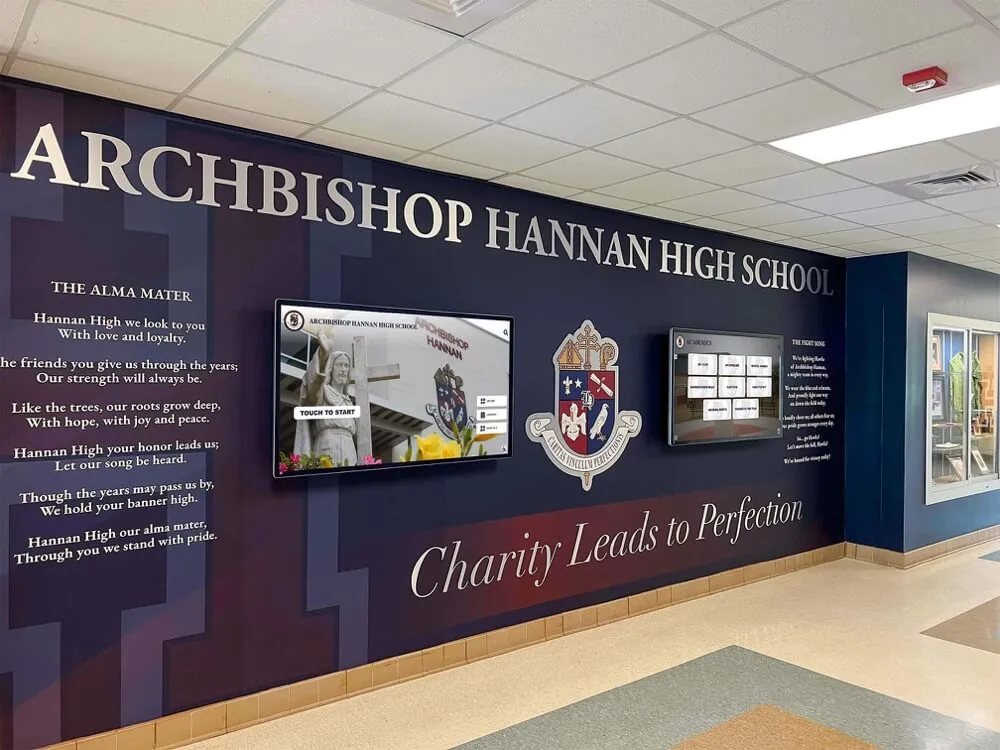
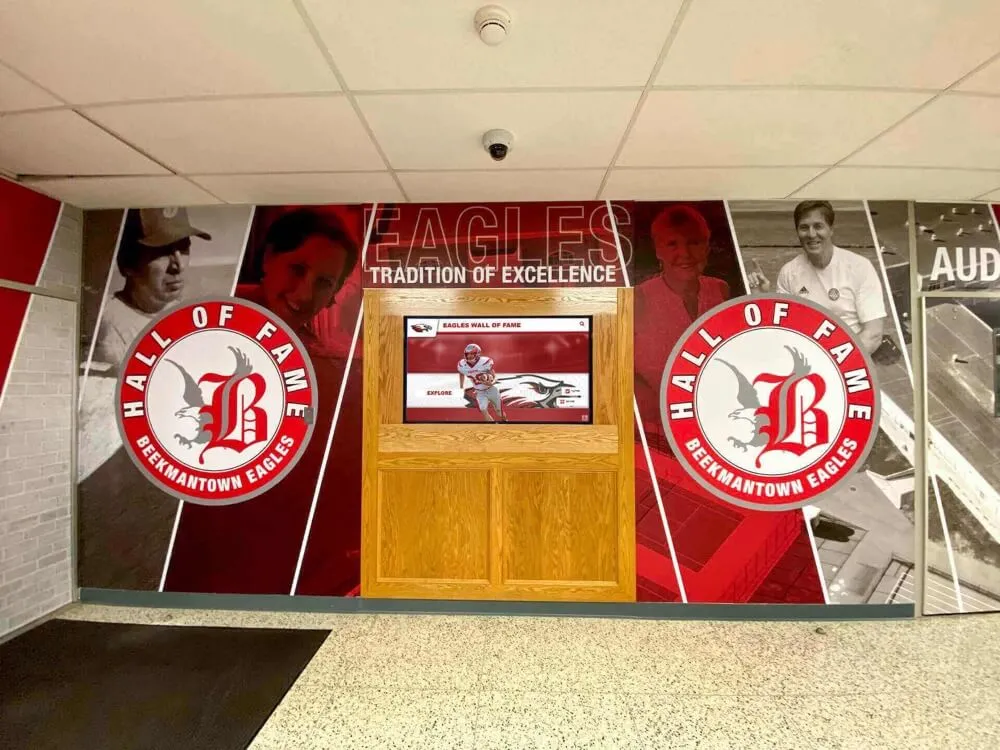
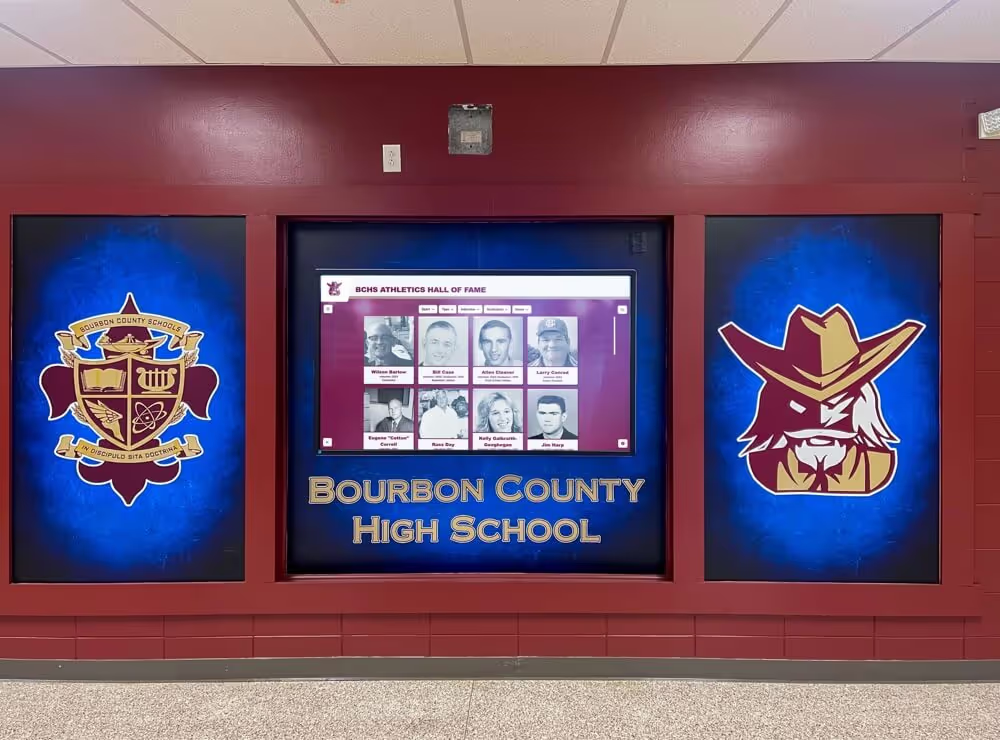
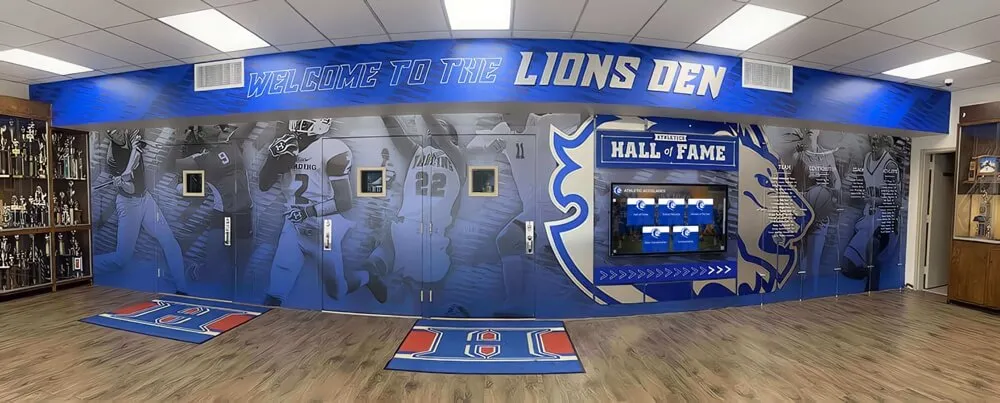
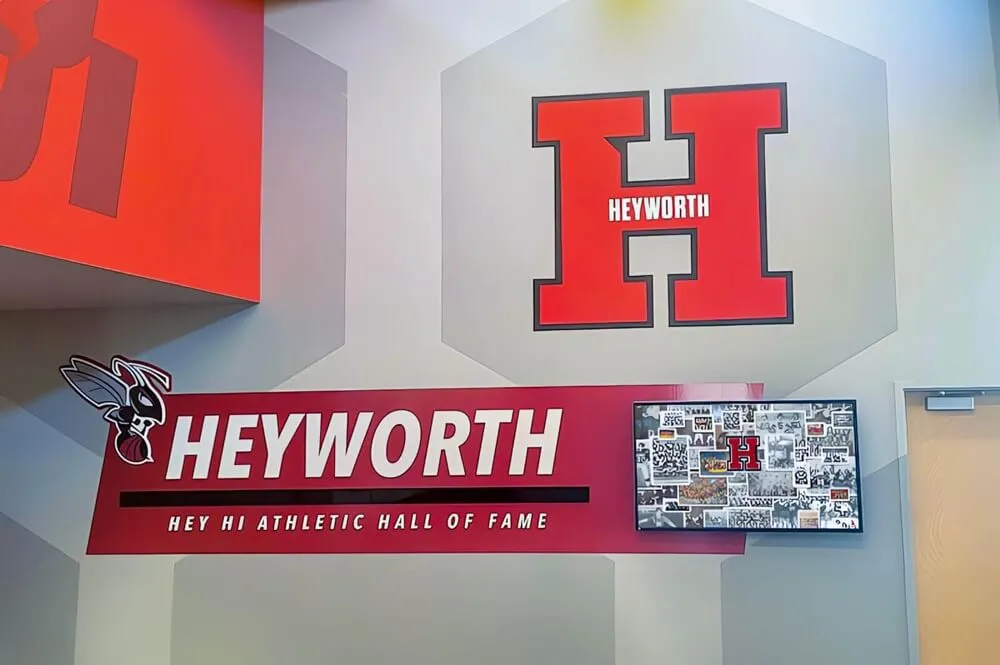
The technology is used across K-12 schools, collegiate athletic departments, corporate facilities, and nonprofit organizations. Common applications include athletic hall of fame displays, donor recognition walls, academic achievement boards, and alumni spotlight systems.
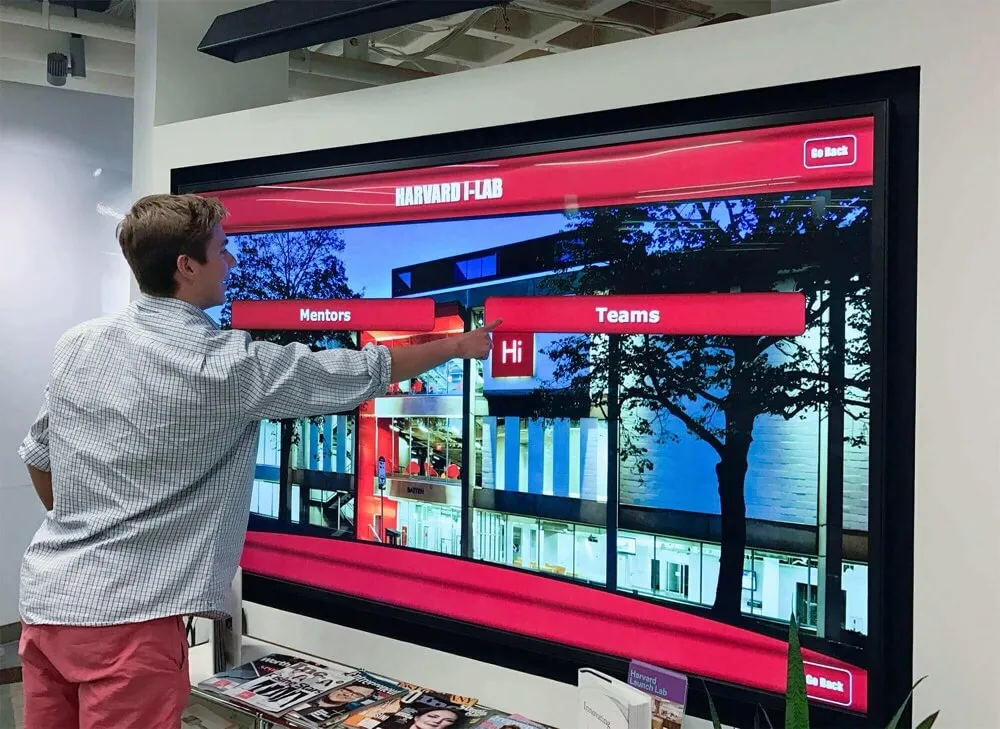
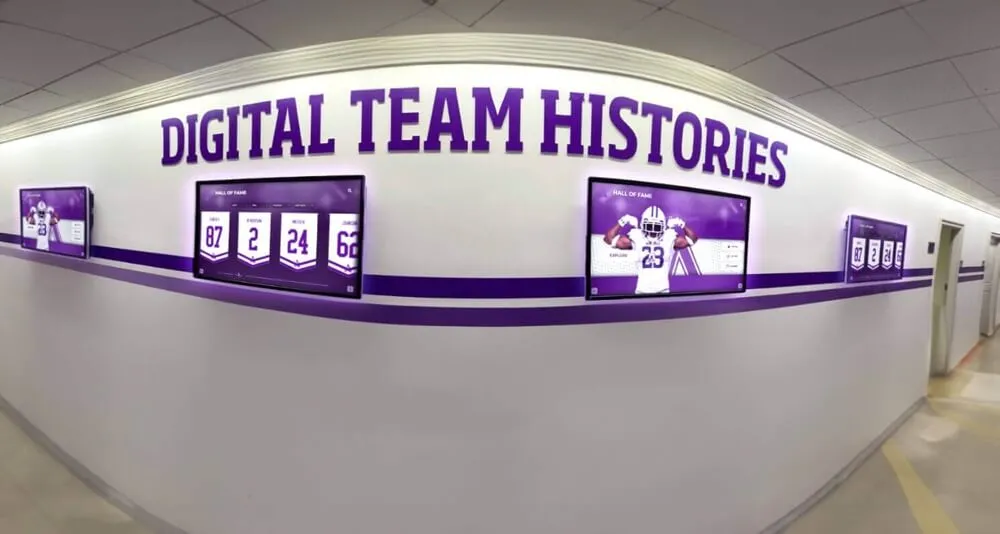
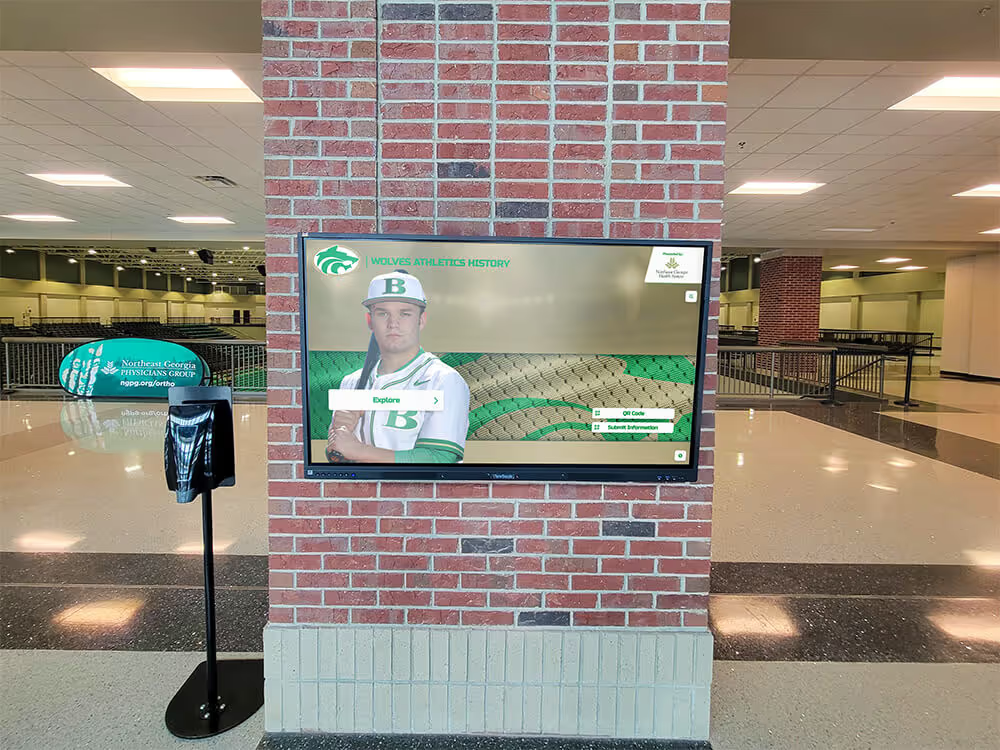
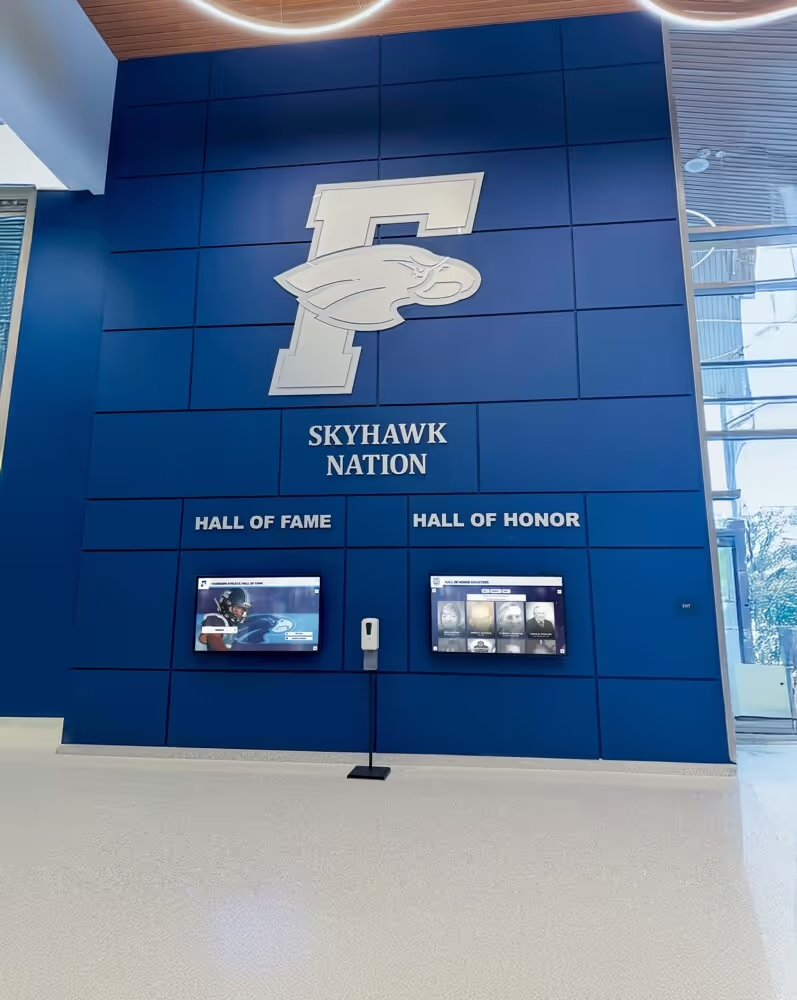
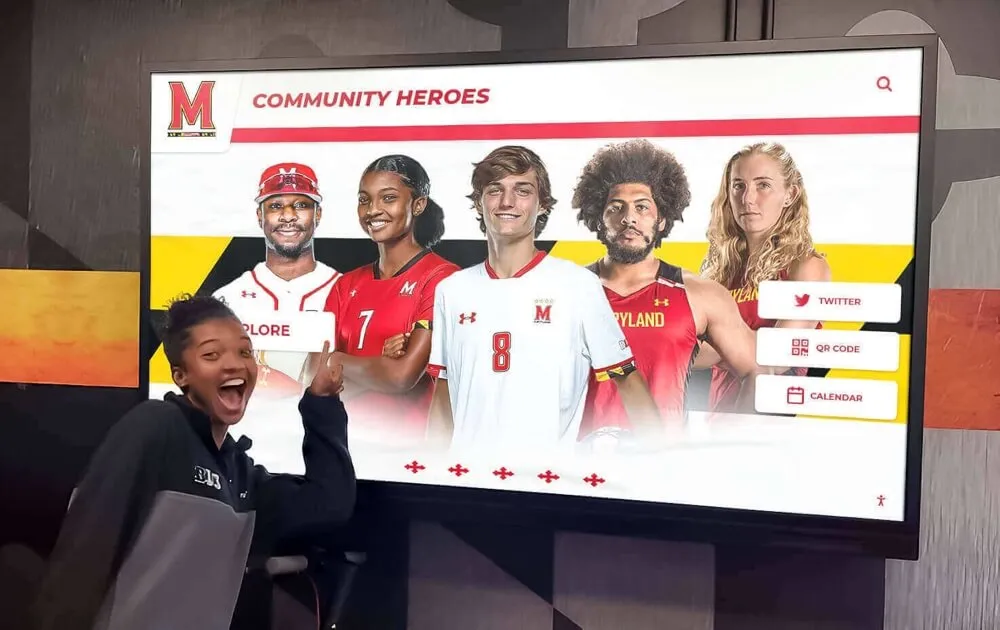
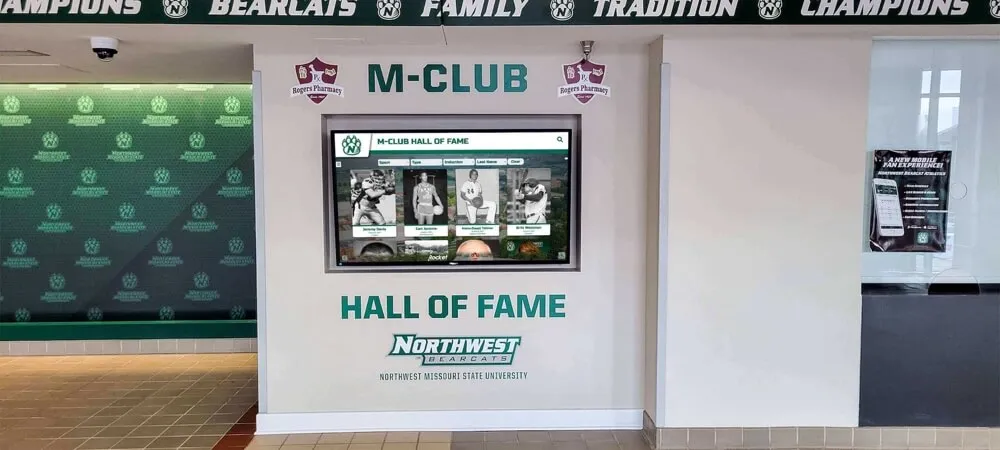
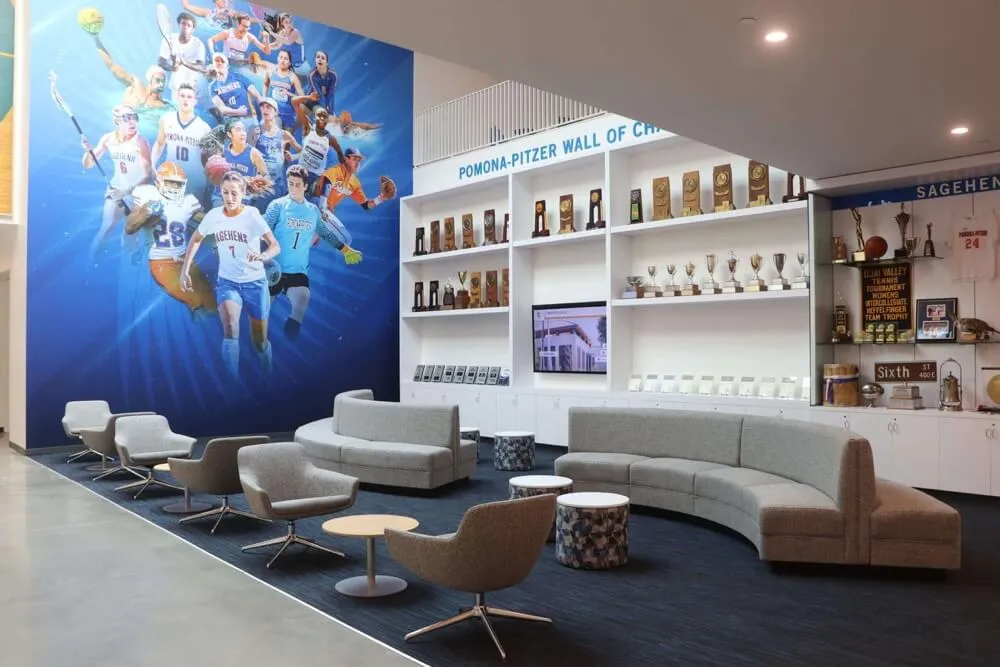
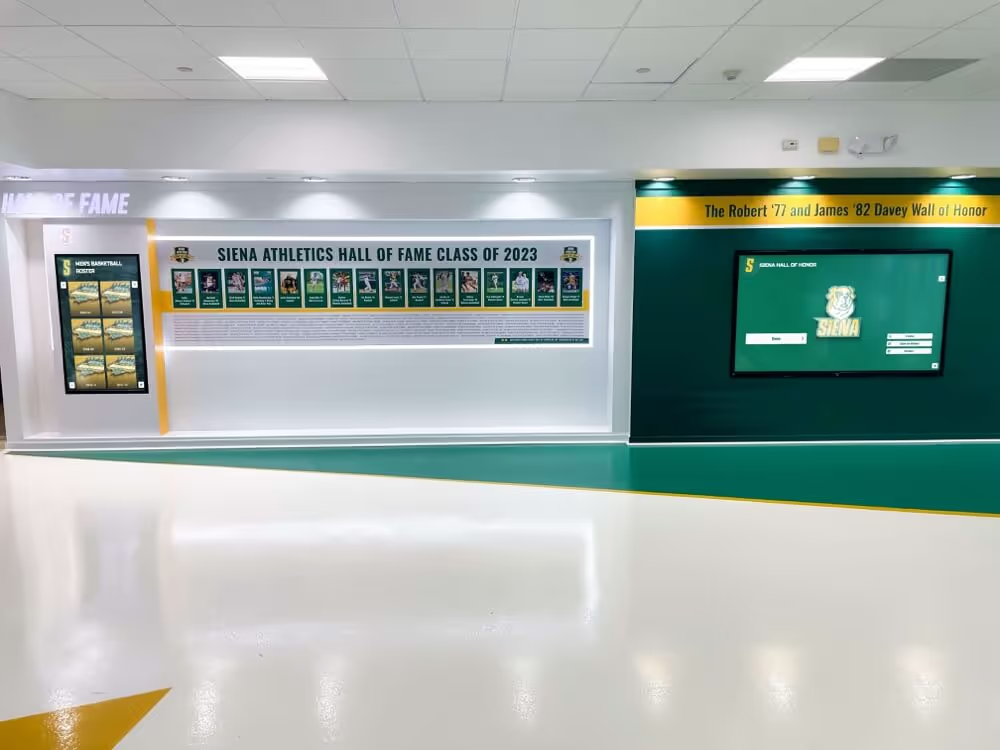
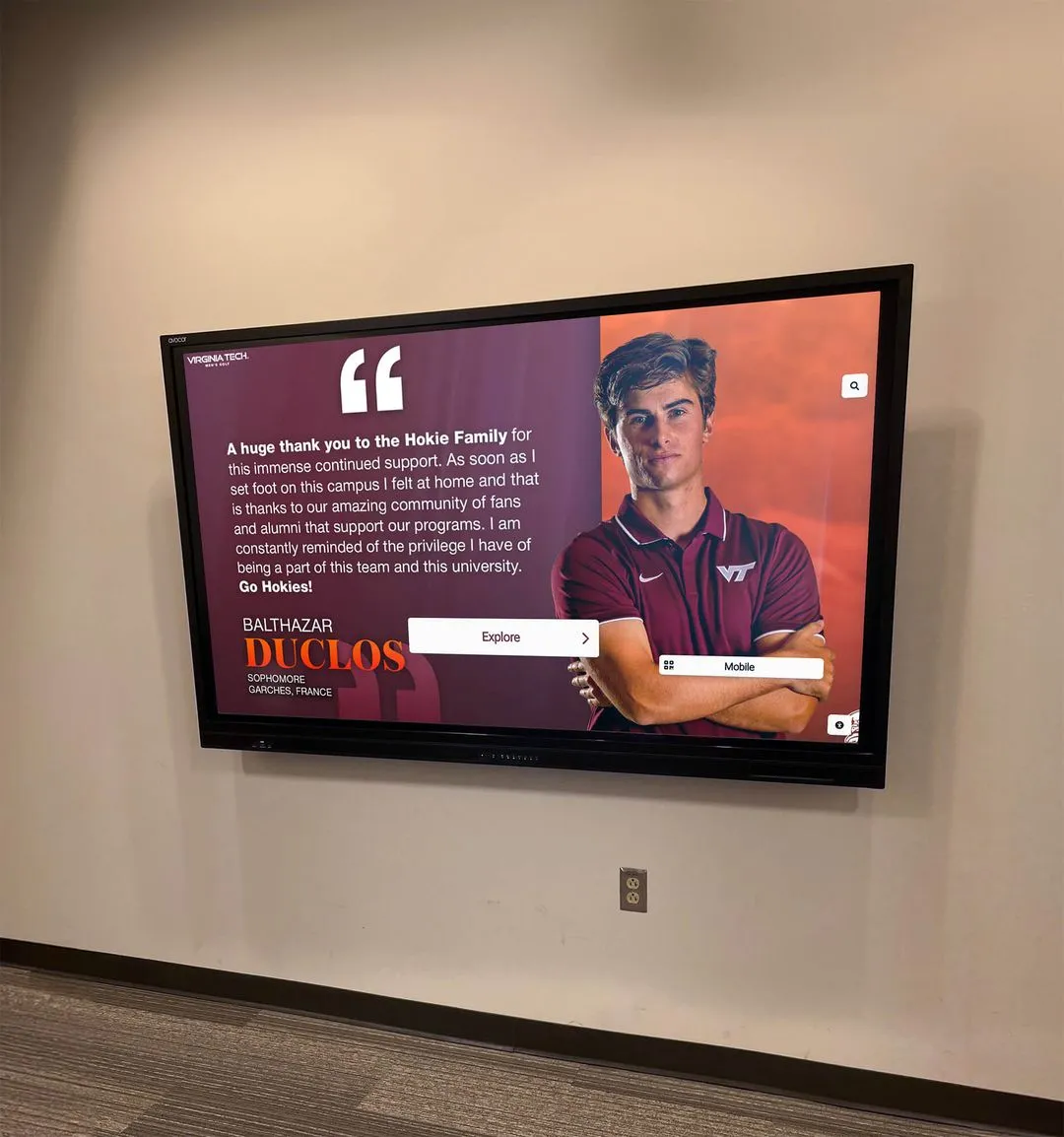
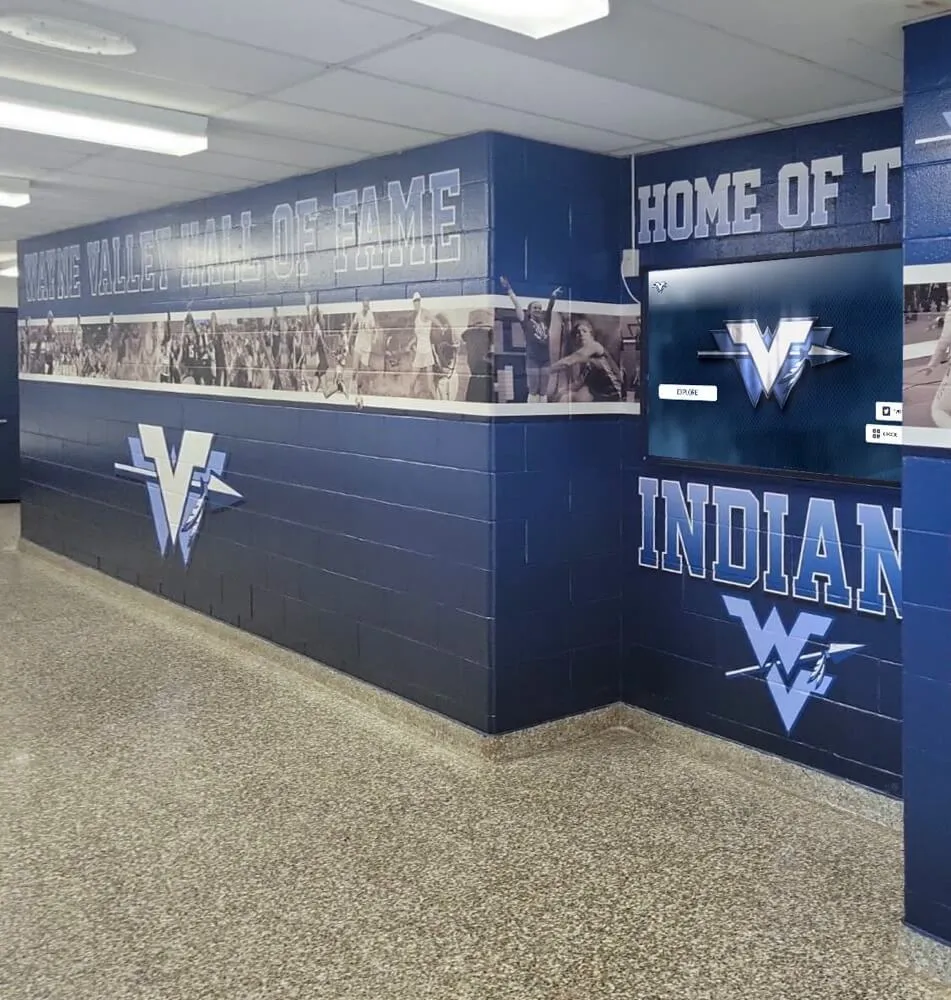
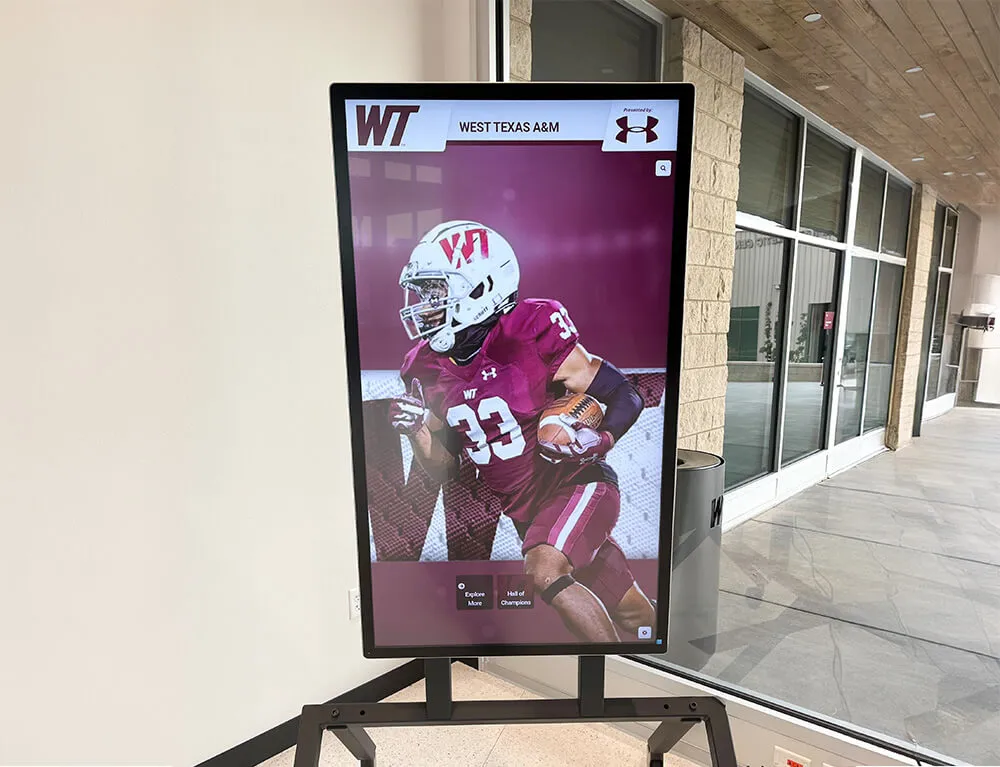
A typical digital hall of fame installation in a university athletic facility lobby.
Key Features to Evaluate in Hall of Fame Software
When comparing digital recognition display solutions, these are the primary capabilities that differentiate platforms:
Content Management System (CMS)
The CMS determines how easily staff can add inductees, upload photos, and organize categories. Look for bulk upload capabilities, drag-and-drop interfaces, and the ability to schedule content updates in advance. Cloud-based systems allow remote management from any device.
Display Flexibility
Systems should support multiple screen sizes (32" to 98"+) and orientations (landscape and portrait). The software should work on standard commercial displays, reducing hardware costs compared to proprietary kiosk solutions.
Accessibility Compliance
For public installations, verify that the software meets WCAG 2.1 AA accessibility standards. This includes keyboard navigation support, adequate color contrast, and screen reader compatibility. ADA compliance is particularly important for educational institutions.
Web and Mobile Access
Many platforms now offer web-based access, allowing visitors to browse the hall of fame from personal devices. QR codes on physical displays can link users to the mobile experience. This extends engagement beyond the physical installation.
Media Support
Evaluate support for video embedding (YouTube, Vimeo), photo galleries, PDF documents, and social media integration. Some platforms include digital signage modes that cycle through content when the display is idle.
User Permissions
For institutions with multiple departments (athletics, academics, development), tiered access controls allow different staff members to manage their own sections without affecting others. This is essential for sustainable long-term management.
Common Use Cases for Digital Recognition Displays
Athletic Hall of Fame
The most common application. Typically includes:
- Inductee profiles with photos and bios
- Team championship records by sport
- Individual record boards with auto-ranking
- All-conference and all-state honors
- Retired jersey numbers
Donor Recognition Walls
Used by advancement offices to honor benefactors:
- Giving level categories (bronze, silver, gold)
- Campaign-specific recognition
- Foundation and corporate sponsors
- Naming opportunity acknowledgments
- Scholarship donor profiles
Academic & Alumni Recognition
Broader institutional applications:
- Distinguished alumni spotlights
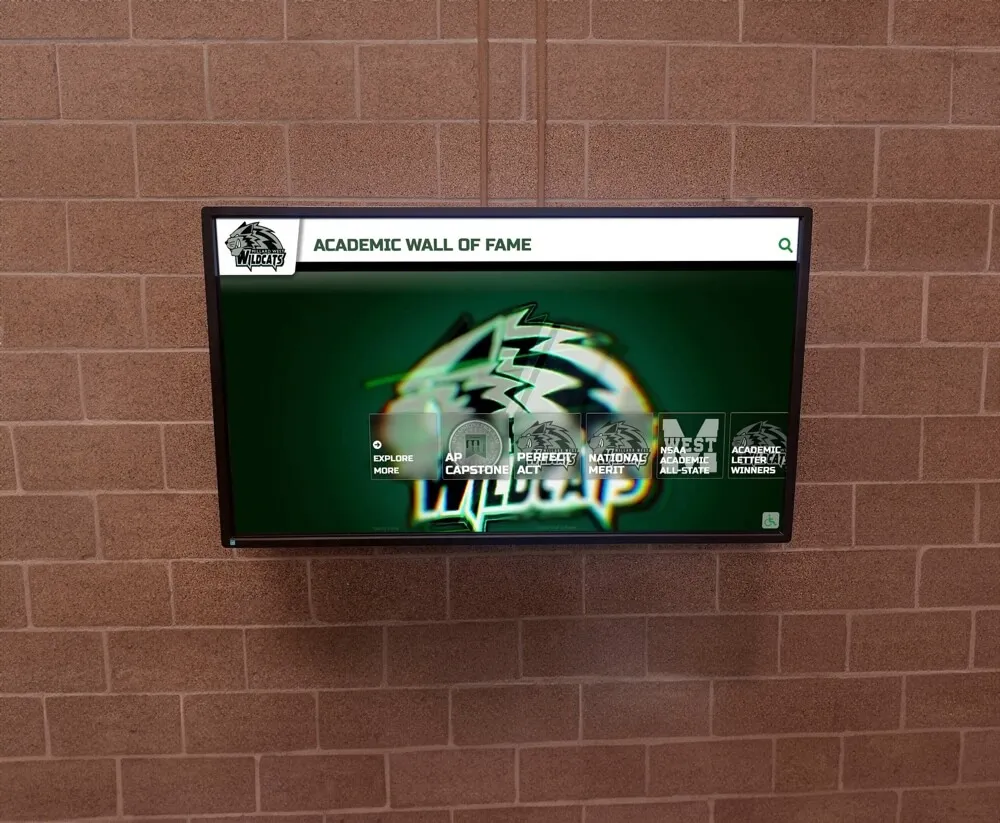
- Academic honor rolls and dean's lists
- Faculty awards and achievements
- Student organization recognition
- Historical timelines and archives
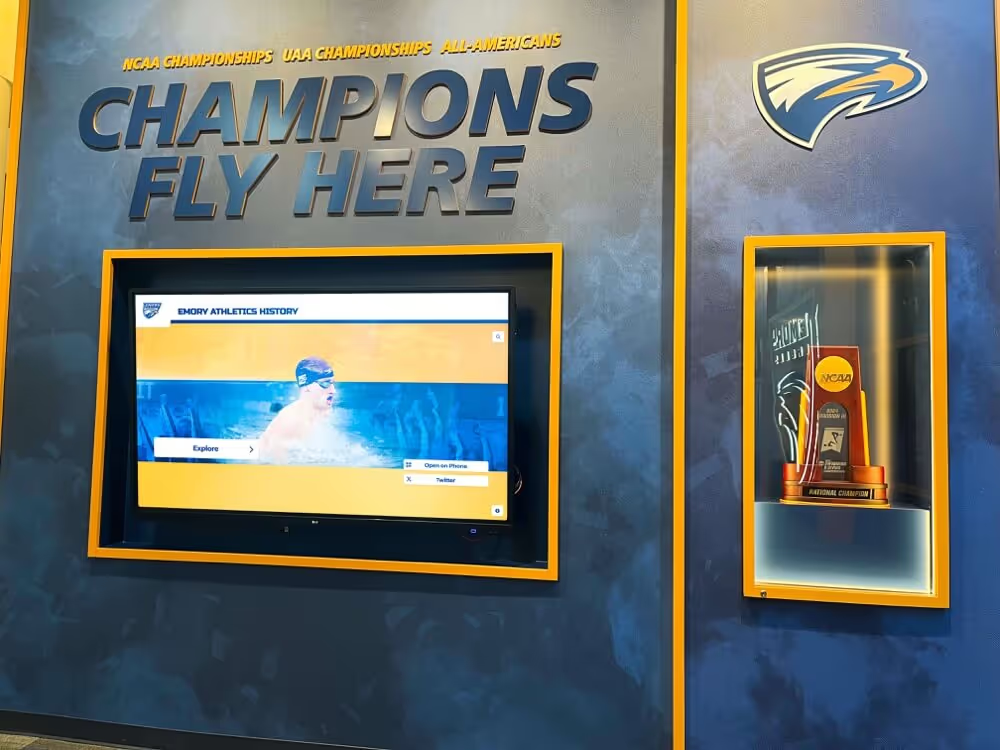
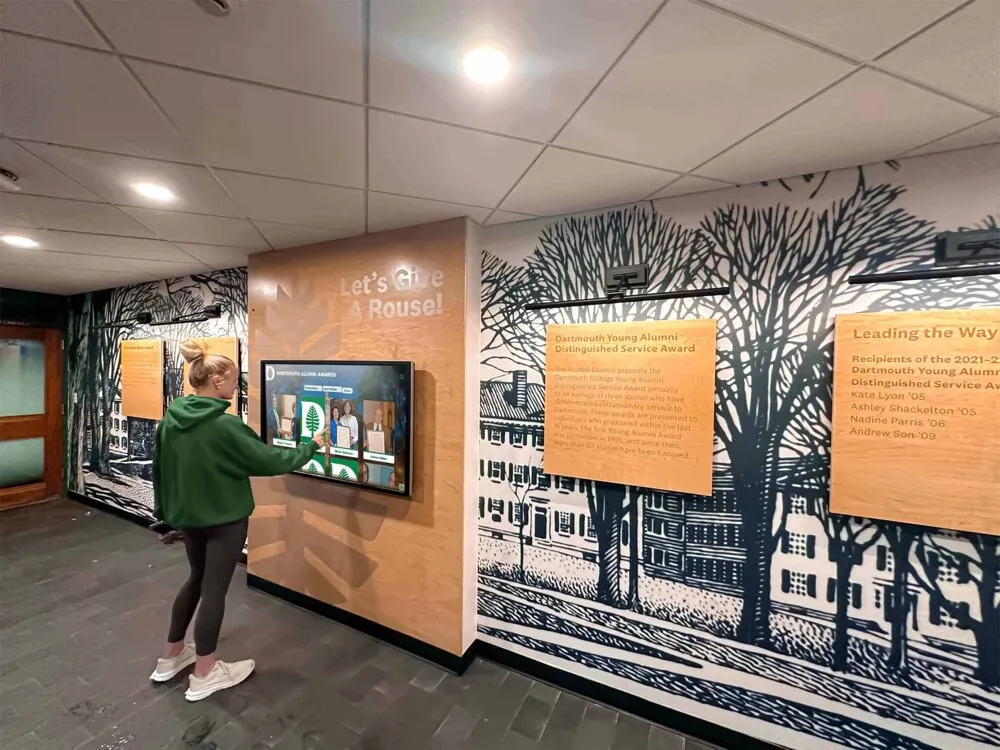
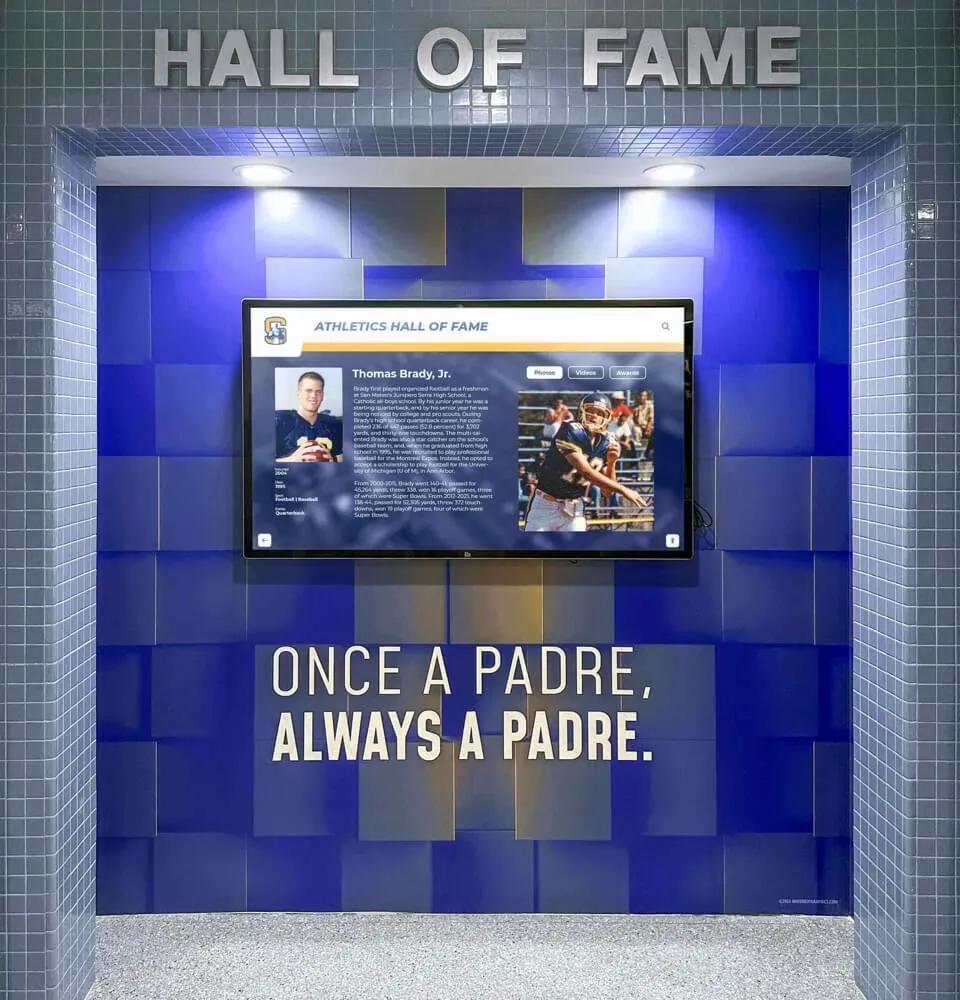
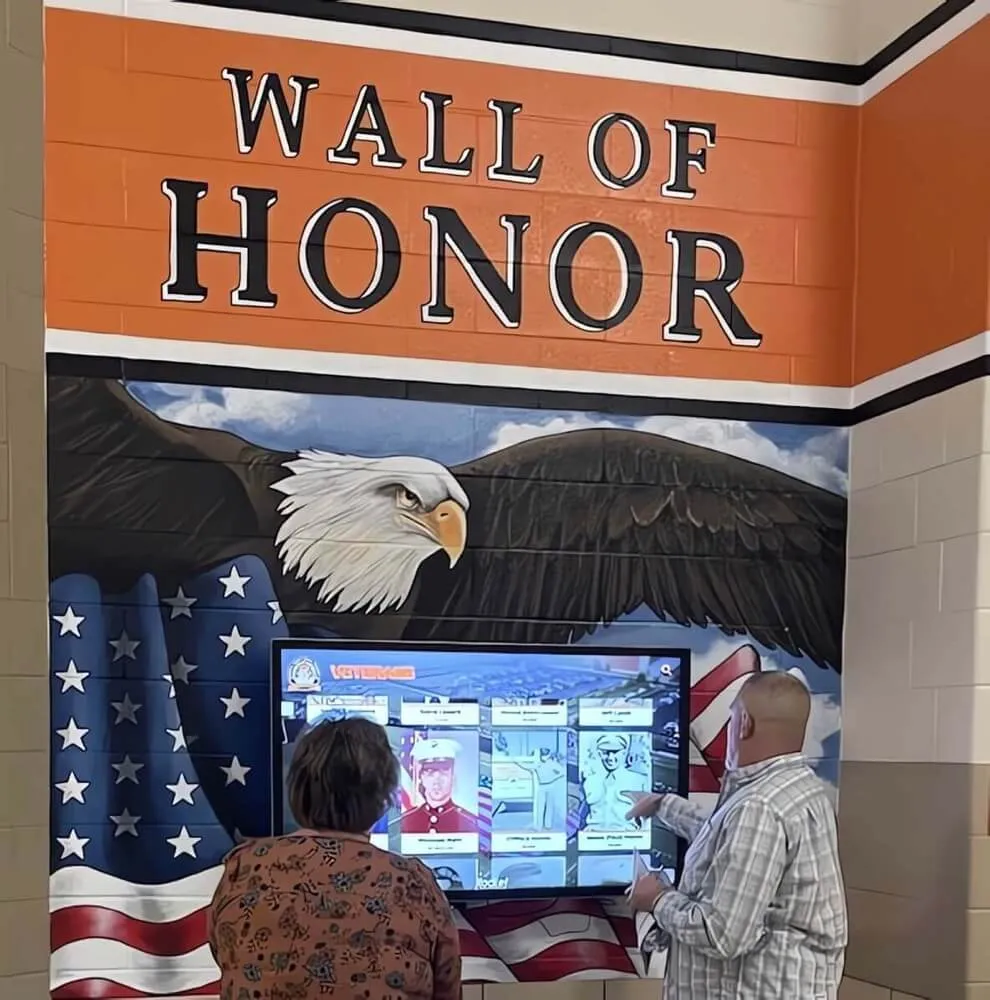
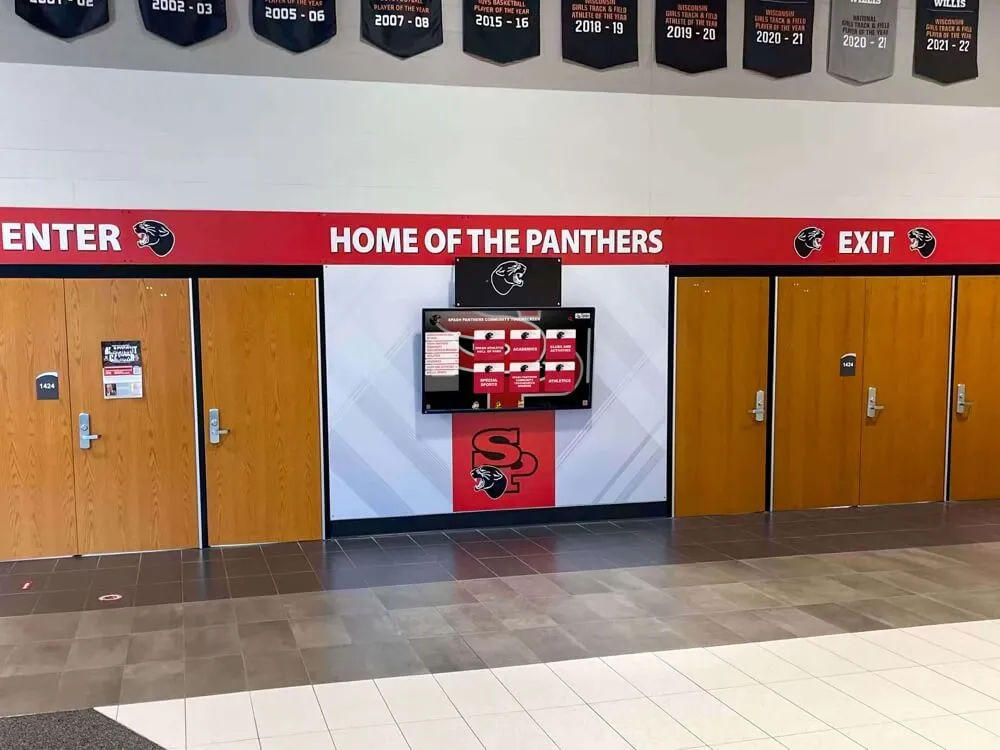
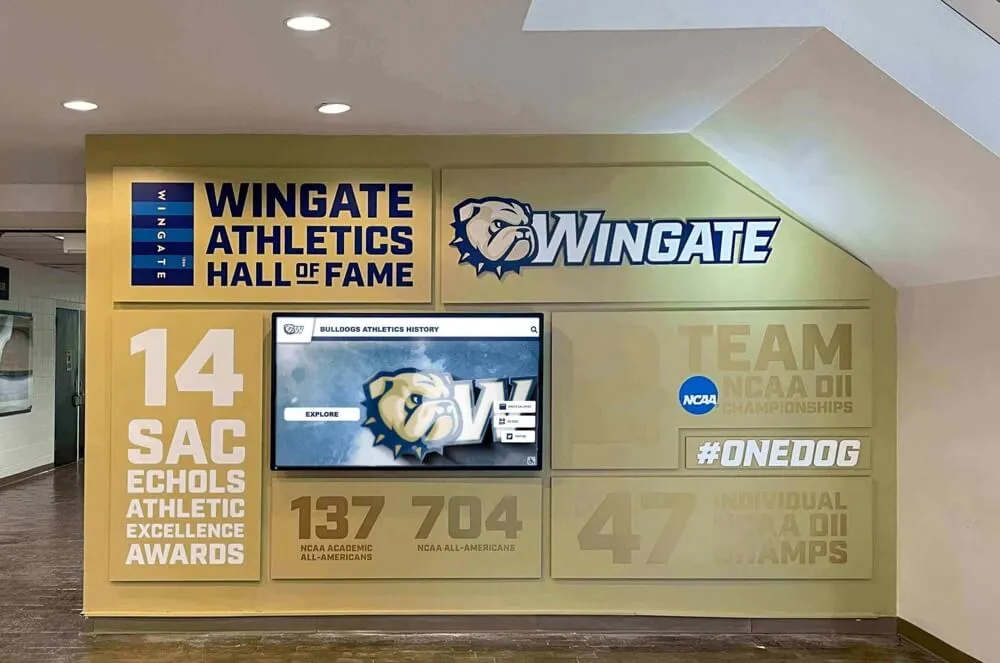
A digital donor recognition wall displaying giving levels and benefactor categories.
Digital vs. Traditional Recognition Displays
| Factor | Traditional Plaques & Banners | Digital Hall of Fame Software |
|---|---|---|
| Capacity | Limited by physical wall space | Unlimited inductees and categories |
| Update Process | Order new plaques, coordinate installation | Add content via web browser, instant update |
| Media Types | Photos, engraved text only | Photos, videos, documents, social feeds |
| Ongoing Costs | Per-plaque engraving and installation | Annual software subscription |
| Searchability | Manual scanning of wall | Search by name, year, sport, category |
| Remote Access | Must visit physical location | Web access from any device, QR codes |
Implementation Considerations
Successfully deploying a touchscreen recognition display requires planning beyond software selection. Consider these factors during your evaluation:
- Network requirements: Most cloud-based systems need reliable internet. Confirm bandwidth and firewall configurations.
- Hardware selection: Commercial-grade displays rated for extended operation are recommended for high-traffic areas.
- Content migration: Transferring existing inductee data from spreadsheets or legacy systems. Bulk import tools reduce manual entry.
- Staff training: Identify who will manage ongoing content updates. Most systems require minimal technical expertise.
- Custom branding: Most vendors offer design services to match school colors, logos, and visual identity.
- Mounting and installation: Wall-mounted, freestanding kiosk, or recessed installations each have different requirements.
Typical Pricing Models
Digital hall of fame software is typically sold as an annual subscription. Pricing varies based on features and support levels:
Basic Tier
$1,000 - $2,500/year
- Single display license
- Core CMS functionality
- Email support
- Standard templates
Professional Tier
$2,500 - $5,000/year
- Multiple displays
- Custom branding and design
- Phone and video support
- Web/mobile access included
- Analytics dashboard
Enterprise Tier
$5,000+/year
- Unlimited displays
- Priority support and SLA
- Custom feature development
- API access
- Multi-campus deployment
Note: Hardware (touchscreen displays, media players, mounting) is typically purchased separately or through vendor partnerships.
Request a Personalized Demo
See how a digital hall of fame display would work for your specific use case. We'll create a sample site using your school's branding and content.
Schedule a DemoCurrently serving 600+ schools and universities nationwide.
Frequently Asked Questions
How long does implementation typically take?
Most implementations take 4-8 weeks from contract signing to go-live. This includes initial design customization (1-2 weeks), content migration and setup (2-4 weeks), and hardware installation (1 week). Schools with extensive historical data may require additional time for content population.
What happens if the internet goes down?
Most modern platforms cache content locally, so the display continues to function during brief outages. Extended outages may prevent new content from loading, but previously cached content remains accessible. Some systems offer fully offline modes for locations with unreliable connectivity.
Can we use our existing TV or touchscreen?
In many cases, yes. Web-based platforms can run on any device with a modern browser. However, for optimal touch responsiveness and durability in high-traffic areas, commercial-grade touchscreens rated for extended use are recommended. Your vendor can advise on hardware compatibility.
Who manages the content after launch?
Most schools assign content management to athletic department staff, communications offices, or advancement teams. Modern CMS platforms are designed for non-technical users—adding a new inductee is similar to creating a social media post. Vendors typically provide training and ongoing support.
Is digital signage mode included?
Many platforms include a "screensaver" or digital signage mode that automatically cycles through content when the display is idle. This keeps the screen active and engaging even when no one is actively using the touchscreen, and can be used to highlight recent inductees or upcoming events.
Can donors or sponsors be displayed on the same system?
Yes. Most platforms support multiple content categories on a single display. Schools commonly combine athletic recognition with donor acknowledgment, academic honors, and sponsor logos. Some systems include dedicated sponsorship modules that can track impressions and rotate sponsor content.